


Using Python to Process PDF Work
Last Updated on July 26, 2023 by Editorial Team
Author(s): Yeung WONG
Originally published on Towards AI.
Without Adobe PDF software, you can also edit the PDF such as adding text, splitting pages, and extracting information.
This member-only story is on us. Upgrade to access all of Medium.
Photo by cyda
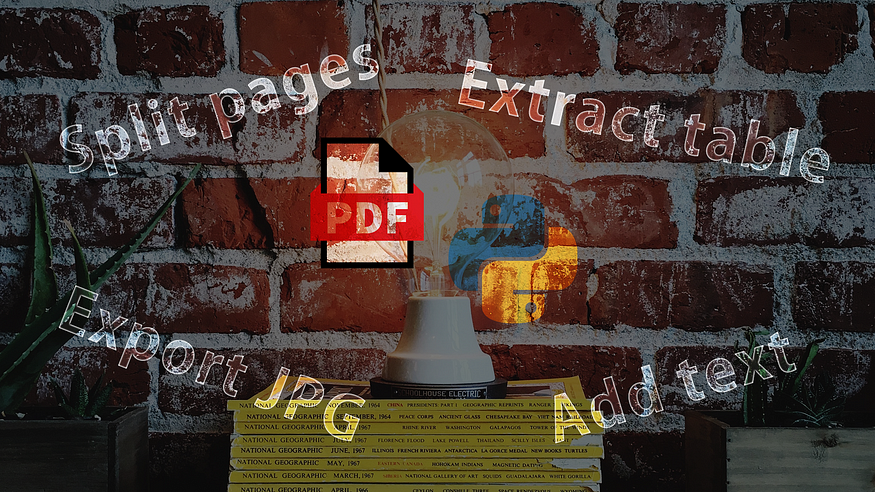
One of the office challenges people may face would be the lack of software to handle PDF editing actions. In today tutorial, I will show you how to use Python to freely extract information from PDF or modify the content in the PDF. After the article, you will learn
the methods to EXTRACT the key information from the PDF.the ways to SPLIT the PDF page.the procedure to ADD different elements to the PDF.the manner to EXPORT the PDF into images.
Also, if you are interested to check other office… Read the full blog for free on Medium.
Join thousands of data leaders on the AI newsletter. Join over 80,000 subscribers and keep up to date with the latest developments in AI. From research to projects and ideas. If you are building an AI startup, an AI-related product, or a service, we invite you to consider becoming a sponsor.
Published via Towards AI
Towards AI Academy
We Build Enterprise-Grade AI. We'll Teach You to Master It Too.
15 engineers. 100,000+ students. Towards AI Academy teaches what actually survives production.
Start free — no commitment:
→ 6-Day Agentic AI Engineering Email Guide — one practical lesson per day
→ Agents Architecture Cheatsheet — 3 years of architecture decisions in 6 pages
Our courses:
→ AI Engineering Certification — 90+ lessons from project selection to deployed product. The most comprehensive practical LLM course out there.
→ Agent Engineering Course — Hands on with production agent architectures, memory, routing, and eval frameworks — built from real enterprise engagements.
→ AI for Work — Understand, evaluate, and apply AI for complex work tasks.
Note: Article content contains the views of the contributing authors and not Towards AI.
Related posts
Recent Posts






